
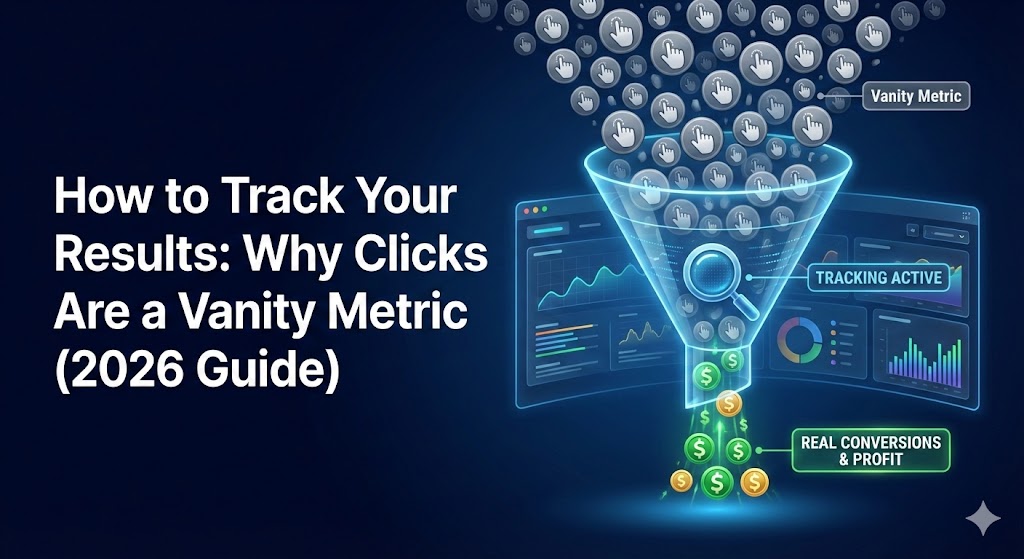
The “Vanity Metric” Trap
If you are judging your solo ad runs purely by how many people clicked your link, you are flying blind. In the world of paid traffic, clicks are for show; conversions are for dough.
To be a sophisticated marketer, you must move beyond the “click counter” and start tracking the data that actually dictates your profit. This guide will show you how to audit your traffic like a pro.
The Golden Rule: Never rely on the vendor’s stats. The vendor’s job is to sell clicks; your job is to verify them. You must have your own independent “truth” source.
The “Big Three” Metrics You Must Track
When you analyze a solo ad run on SoloAdResults.club, focus on these three indicators of health:
1. The Opt-in Rate (Conversion Rate)
This is the percentage of visitors who actually give you their email address.
- Formula: (Total Subscribers / Total Clicks) x 100
- Benchmark: A healthy solo ad squeeze page should convert between 35% and 50%.
- The Insight: If your opt-in rate is below 20%, you either have a bad page, or the traffic is irrelevant to your offer.
2. Tier 1 Percentage (T1%)
We mentioned this in our Solo Ads 101 guide, but verification is key. You paid for premium US/UK/Canada traffic. Did you get it?
- The Check: Use your tracking link to see the “Geographic Breakdown.”
- The Red Flag: If you paid for 100% Top Tier and you see 30% of traffic coming from non-English speaking countries, you are diluting your list with leads that likely won’t buy.
3. Flagged/Bot Traffic
Robots don’t buy products. Sophisticated tracking software can detect “non-human” behavior (like clicking a link in 0.01 seconds).
- Acceptable Levels: 2-5% “filtered” clicks is normal (sometimes just antivirus software scanning links).
- Danger Zone: Anything over 10-15% flagged traffic is a sign of a low-quality vendor.
The Tool of the Trade: ClickMagick
While there are many trackers (LinkTrackr, Voluum), the industry standard for solo ads remains ClickMagick.
Why we recommend it:
- Link Cloaking: It hides your ugly affiliate links.
- Bot Shield: It automatically blocks known bad IP addresses.
- Split Testing: It lets you rotate two different headlines to see which one converts better without changing the ad source.
How to Read Your “Solo Ad Results” Report
When you finish a run, don’t just look at the cost. Look at your Cost Per Subscriber (CPS).
- Scenario A: You buy 100 clicks for $40 ($0.40/click). You get 10 leads.
- CPS: $4.00 per lead. (Expensive!)
- Scenario B: You buy 100 clicks for $60 ($0.60/click). You get 50 leads.
- CPS: $1.20 per lead. (Winner!)
The Lesson: The “expensive” traffic was actually cheaper in the long run because it converted better.
Conclusion
Tracking isn’t just about catching bad vendors; it’s about optimizing your own business. By tracking your numbers, you move from “gambling” to “investing.”
Ready to calculate your potential profits?
Check out our next guide: Solo Ads vs. Facebook Ads: Which Wins for Speed?